- Aug 12 Wed 2015 10:30
-
como usar o mobizen Samsung
- May 26 Tue 2015 18:20
-
Como Registrar-se com Mobizen
- May 26 Tue 2015 18:19
-
How to Reduce Lag with Mobizen
- May 26 Tue 2015 18:18
-
How to Register with Mobizen (Free App)
- Dec 11 Thu 2014 13:16
-
Mobizen-Mac
Mobizen can now be used on Mac! |  |


Mobizen Standalone Application for Mac
Mobizen’s PC application for Mac users has finally been released. Mirroring will be much sharper and screen recording will also be enhanced with Mobizen Web. Mobizen now even supports retina display.

Advanced Recording Performance
Optimal recording image quality will now be available on Android 4.4 KitKat. Also, seamless recording will now be possible on lower spec devices.

Booster Mode is Now Available
Booster mode enables the various features of Mobizen to be used optimally on Sony X, HTC One, Motorola Moto X, and Nexus devices. This mode solves any device connection or recording issues, making Mobizen more seamless than ever before.
 Faster control speedNew delete registered devices featureNew address book function Faster control speedNew delete registered devices featureNew address book function | New contents search functionNew music playlist functionMinor bugs fixed |


This will be a powerful security feature for your device. You will be able to locate your device, send a ring alert to it, lock the screen and even remote wipe its contents. This feature takes all the stress and panic out of misplacing your device.
The recording widget button will not appear in the recorded videos.
Easily access SMS log from the new SMS web icon.
 Mobizen |


You have received this email because you signed up for our products.
If you prefer not to receive emails from us, please email to us at:

- Jul 14 Mon 2014 17:19
-
Mobizen用電腦遙控手機 擷圖、錄影、畫線、傳檔
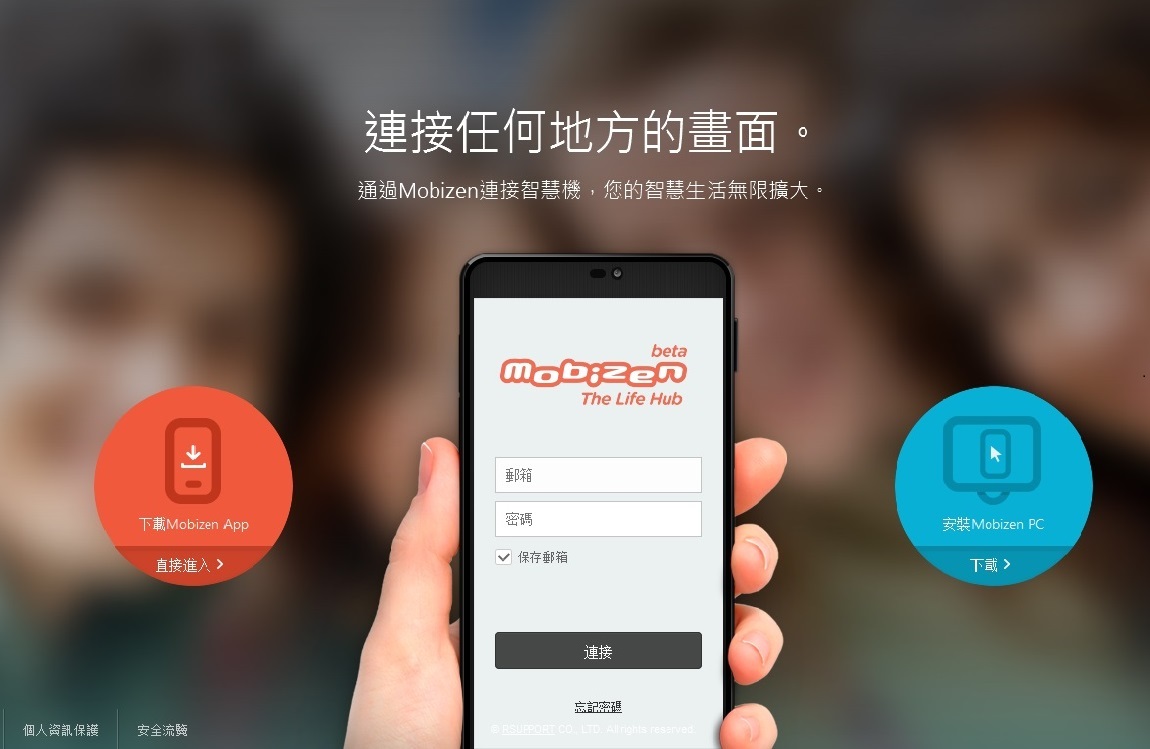
Mobizen用電腦遙控手機 擷圖、錄影、畫線、傳檔
利用大螢幕更加便利地享受的美好生活!Mobizen將我們的移動生活進行了革新地改變。可以將PC的各種配件跟智慧機進行連接在小機器裡也能窺見大世界。體驗擁有強大升級後功能的“Mobizen”美好生活吧!
- Mar 03 Mon 2014 14:45
-
mobizen(https://www.mobizen.com)

- Dec 27 Fri 2013 20:57
-
Mobizen
否則一般的使用者不大能用的另外它們的介面也不支援中文。謝謝。
////////////////////////////////////////////////////////////////////////////////////////////////////////////////////////////////////////////////////////////////////////////////////////////////////////////////////////////////////////
用電腦遙控手機 – Mobizen,只需要輸入Email跟密碼就可以透過電腦以無線網路或USB連線遙控手機,進行擷圖、錄影、畫線、傳檔等工作,在電腦端也須安裝軟體,電腦端開啟時會出現手機形狀的主介面,連線後不管是滑動、回首頁、上一步等動作都可以對應到手機上,甚至用畫筆在電腦端畫線,都可以出現在手機端,即時顯示手機的畫面,就算手機不在身邊也可以看到來電!可惜無線網路的連線方式僅支援電腦與手機在同一個無線網路基地台。(阿榮)(Kelvin Lee推薦)(下載)
軟體名稱:Mobizen
軟體作者:RSUPPORT
介面語言:英文
軟體性質:免費軟體
/////////////////////////////////////////////////////////////////////////////////////////////////////////////////////////////////////////////////////////////////////////////////////////////////////////////////////////////////////////
